# Get started
# Sign in to the service
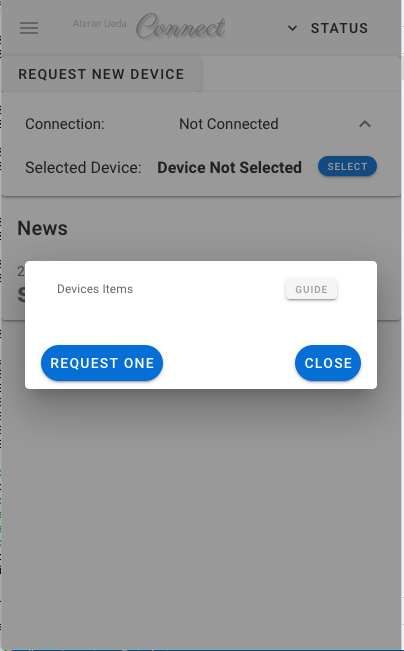
# Get DeviceID
# Install & setup
# 1. get connect clinet
Log in on your Raspberry pi, get connect client as
git clone https://github.com/UedaTakeyuki/connectcli.git
or download lates zip or tarball of releases from releases (opens new window) and expand it.
# 2. run setup.sh script
Go into "connectcli" folder created by git clone or "connectcli.xx.yy.zz" folder downloaded and expanded from releases (opens new window) and expand it.
# in case git clone
cd connectcli

# or download and expand it
cd connectcli.xx.yy.zz
Then run setup.sh script
./setup.sh
This script downloads the appropriate version of the application connect client and makes an appropriate .service file of the unit definition of Linux service.